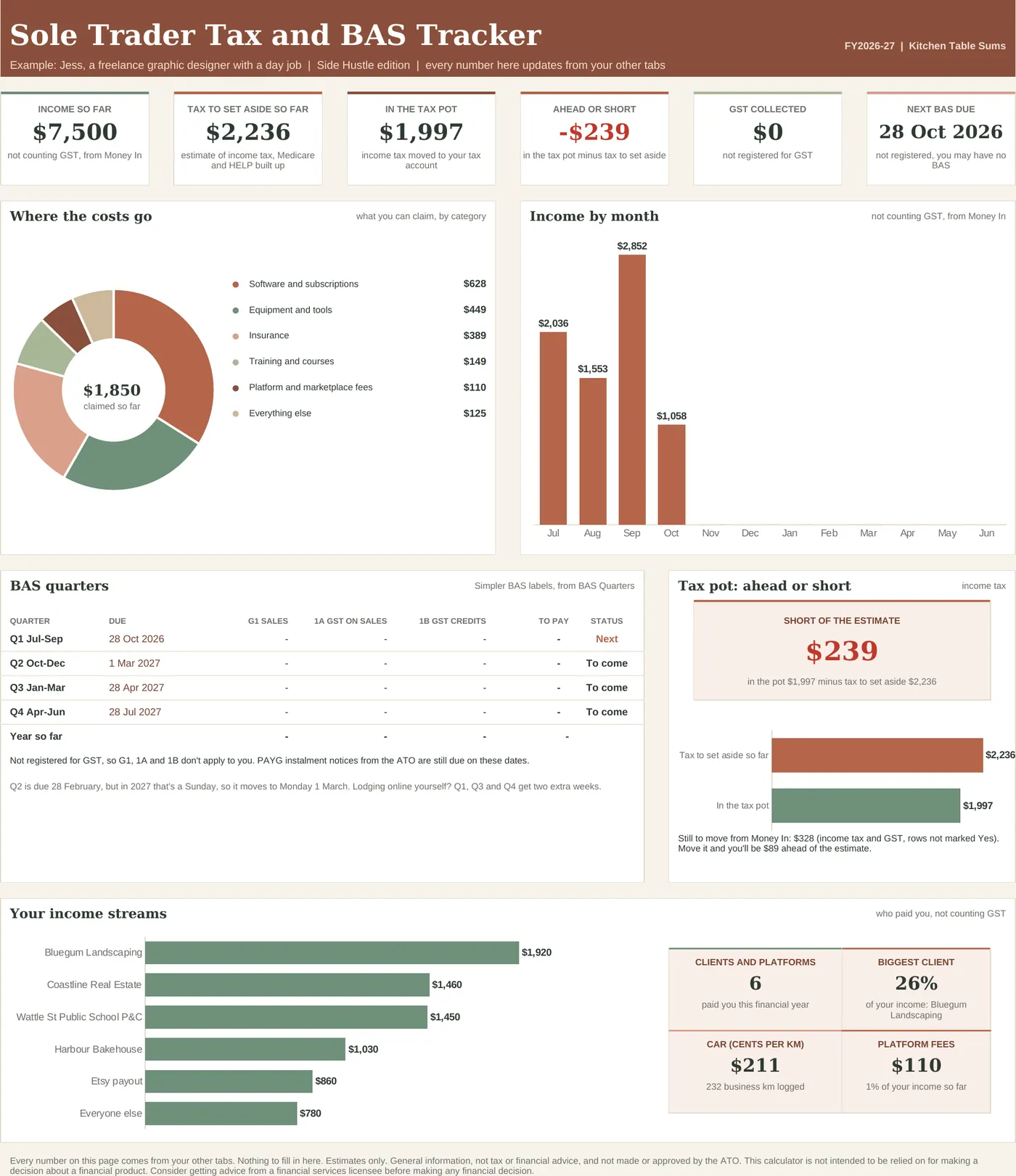
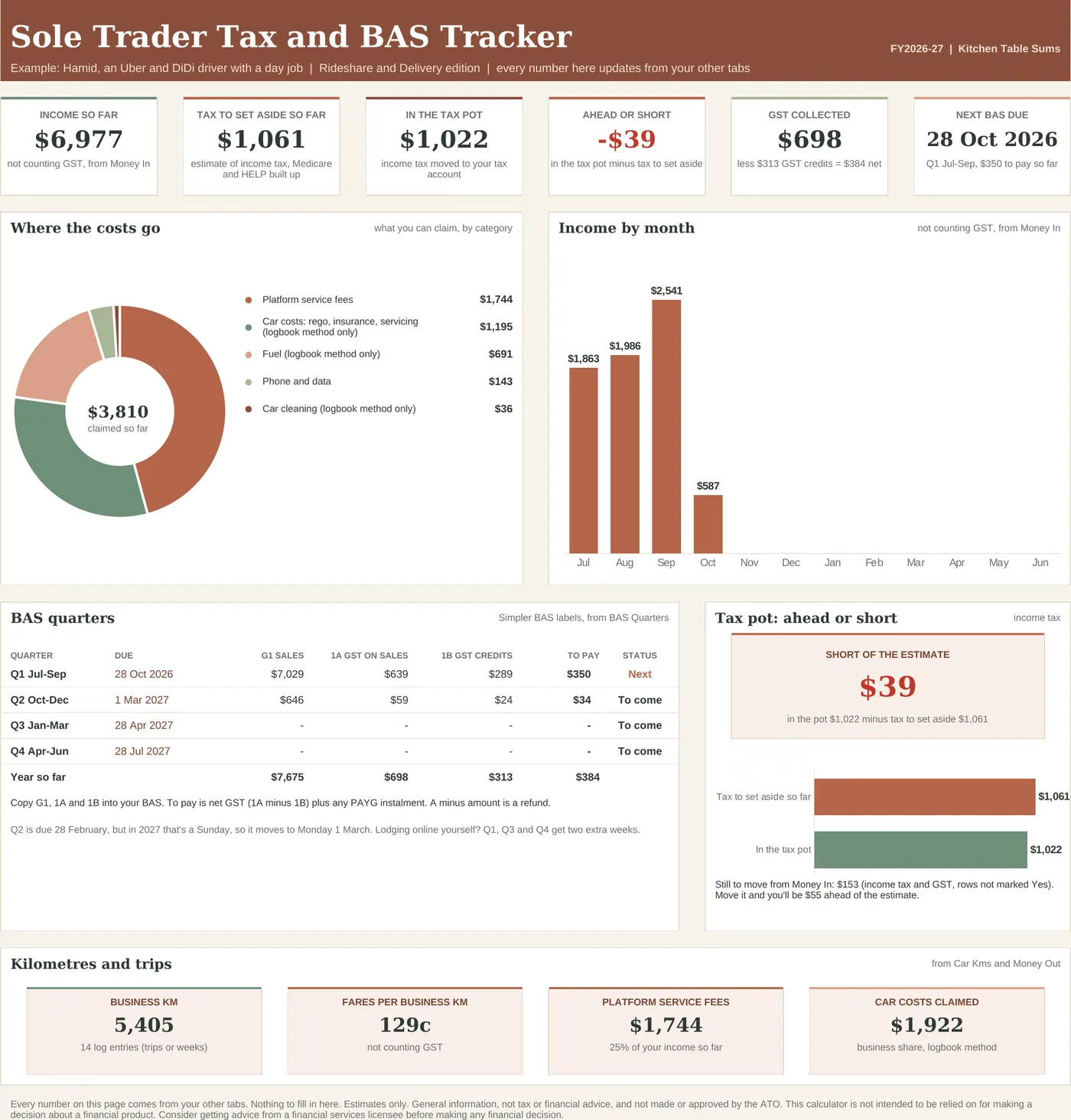
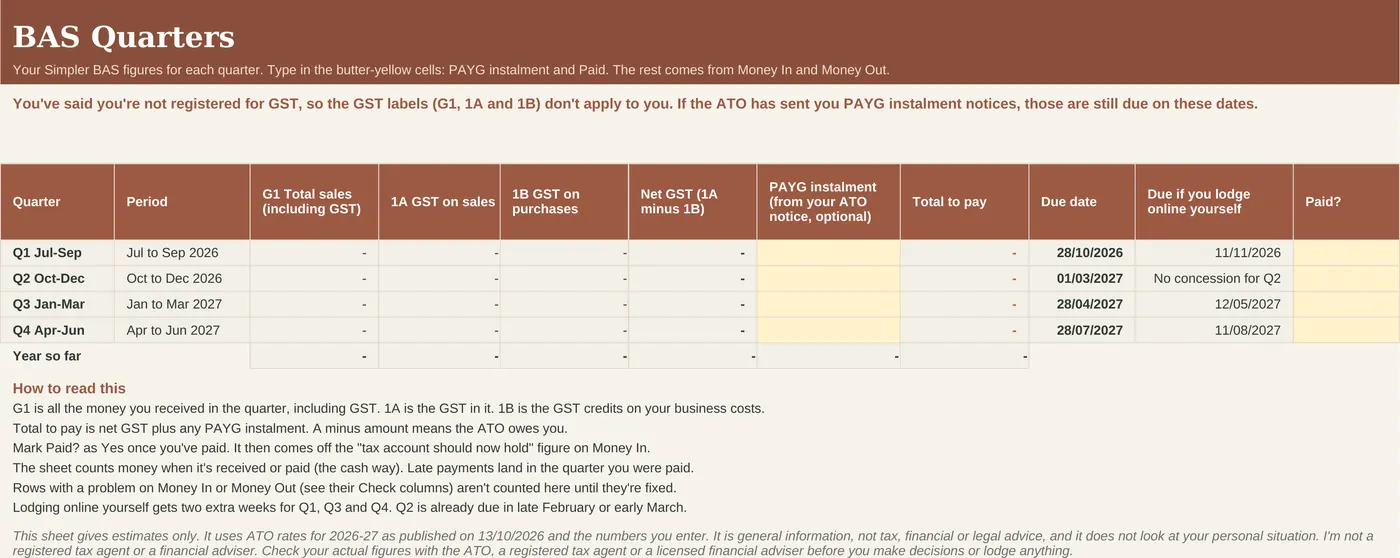
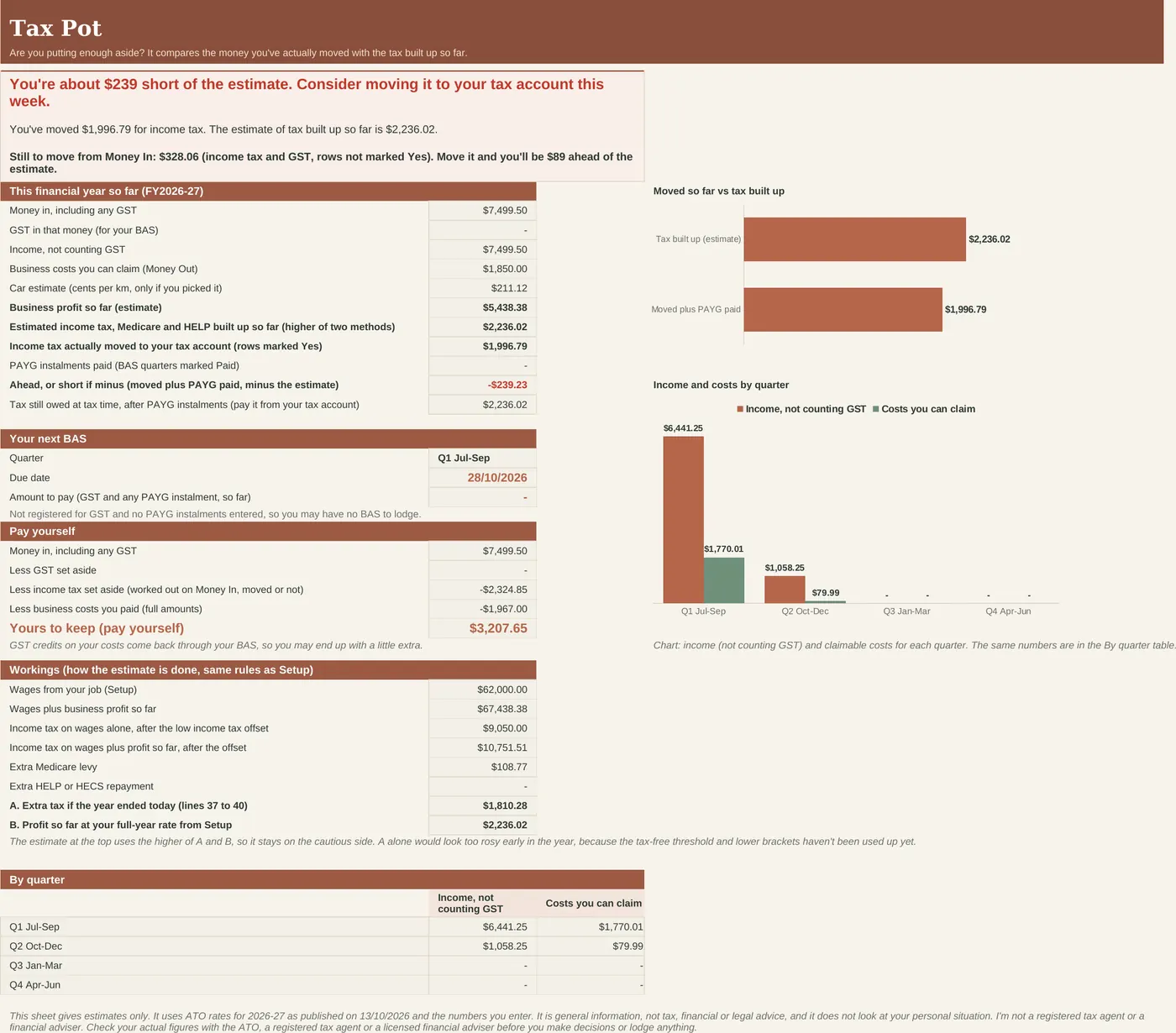
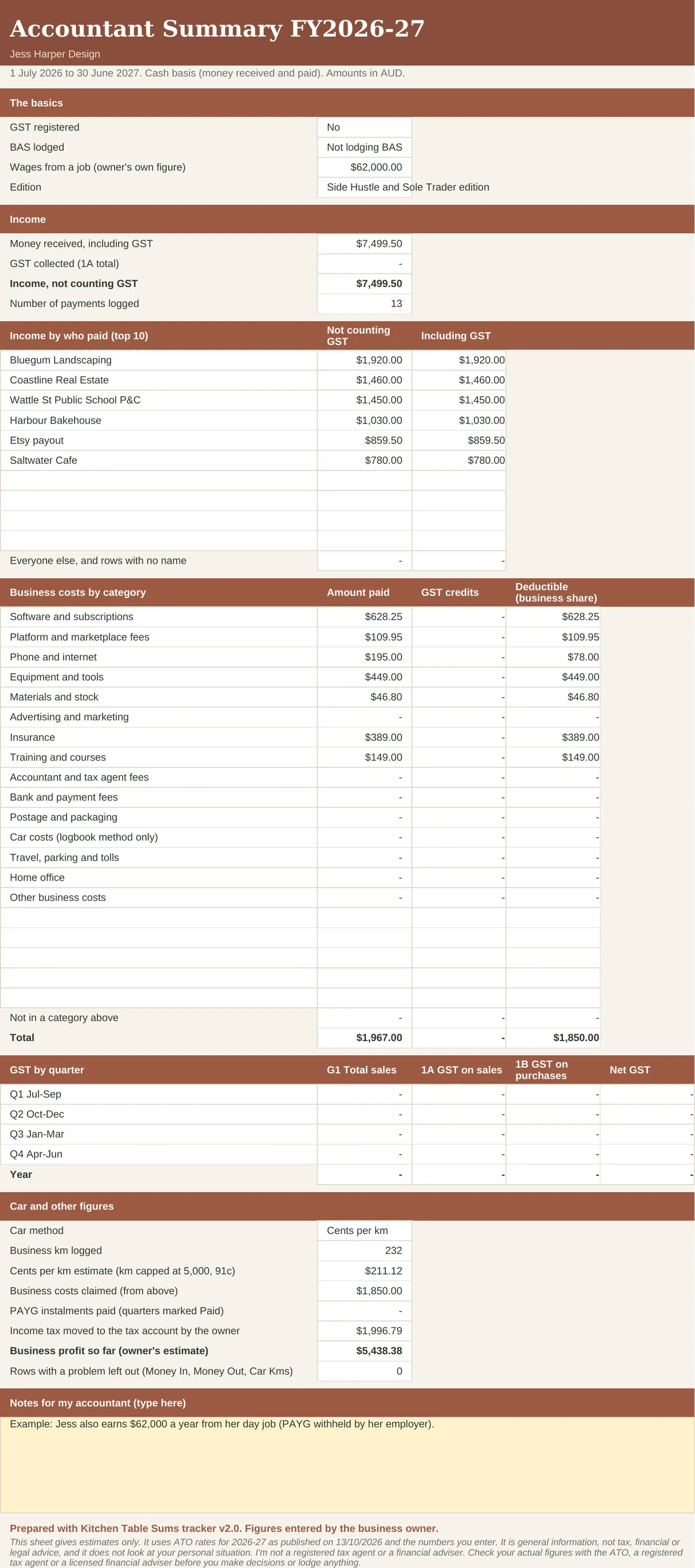
Same tracker underneath, set up for your kind of work. Cleaners, tutors, photographers, hairdressers, writers and market stallholders use Side Hustle. Handymen and gardeners use Tradie.
Side Hustle
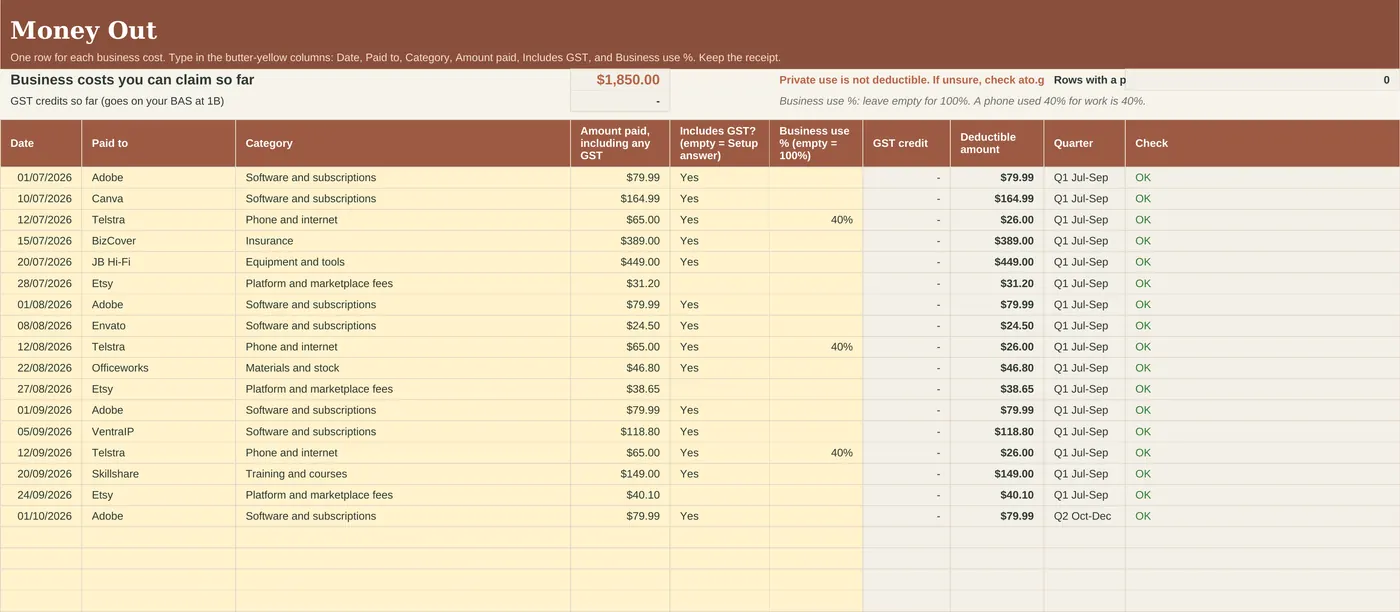
An ABN alongside a job. Not registered for GST? Leave GST as No and the BAS labels switch off.
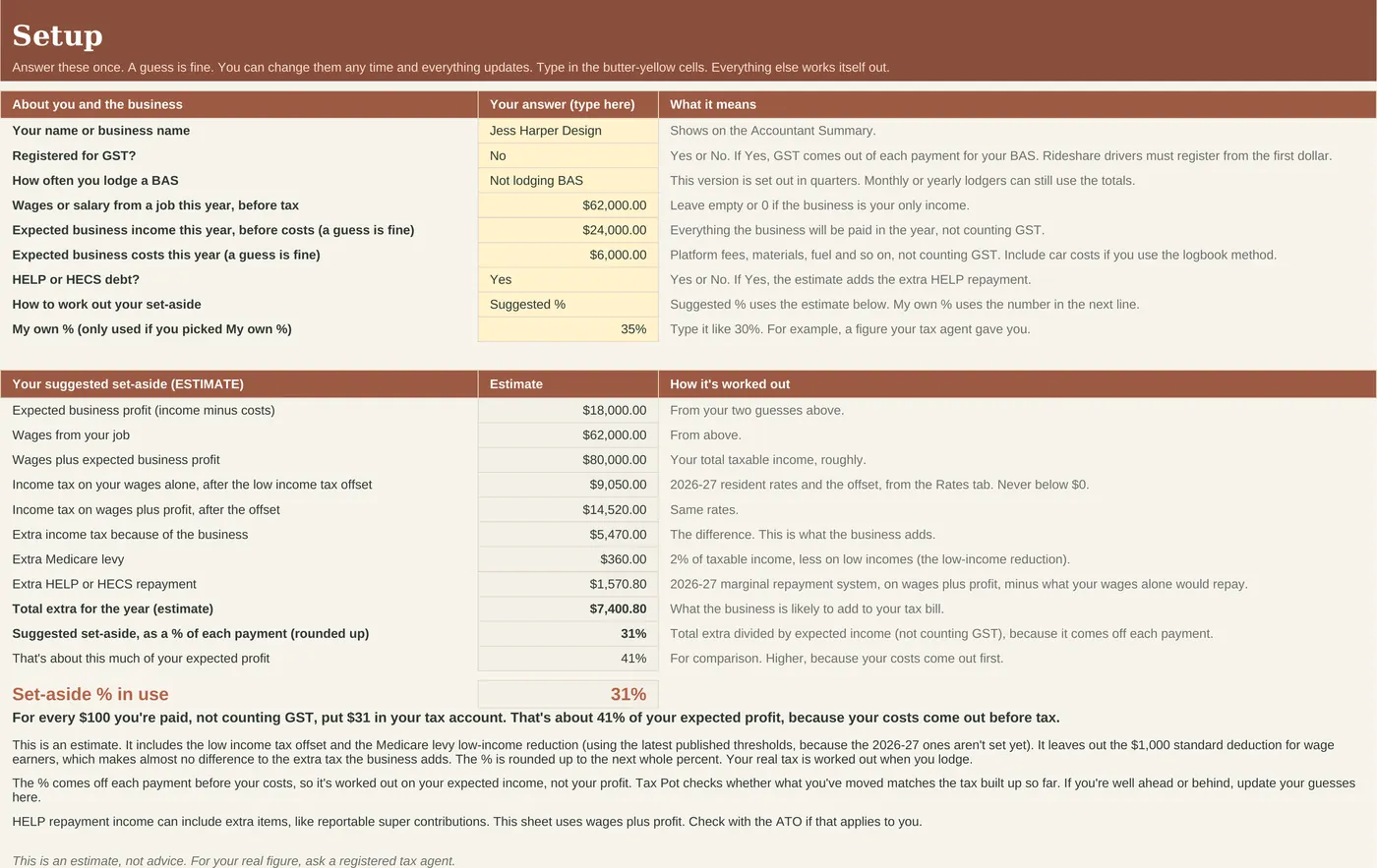
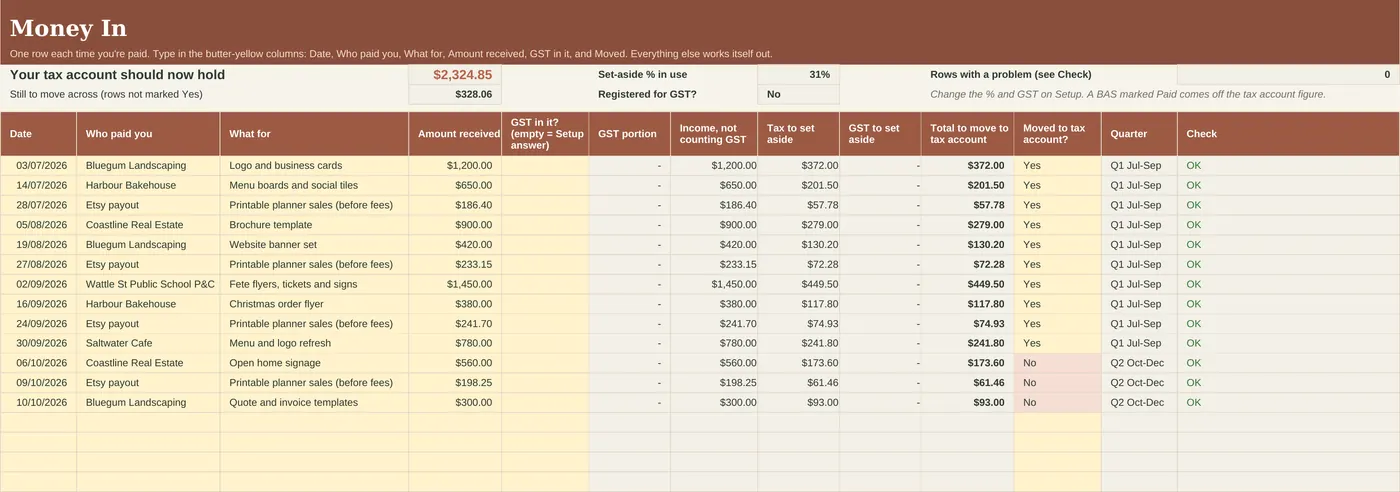
Jess is a part-time freelance designer on A$62,000 wages with a HELP debt. She expects about A$24,000 of side income and A$6,000 of costs, so the sheet suggests she puts aside 31% of each payment.
GST on every job, BAS by quarter, and PAYG instalments if the ATO has sent you one.
Dave is a subbie electrician, registered for GST. On a A$4,620 job the sheet puts aside A$1,134: the A$420 GST plus 17% of the rest. His July to September BAS is already added up.
Driving passengers? You need GST from your first fare, so this edition starts with GST switched on and a weekly km log. Delivery only? Switch GST to No unless you are over the A$75,000 threshold.
Hamid drives part time around a A$58,000 job. He expects about A$28,000 in fares and A$15,000 of platform fees and car costs, so the sheet suggests 16% of each payment, plus the GST.
Financial year version. Built for the 2026-27 financial year, with ATO rates checked on 13 October 2026. The 2027-28 update is free. See updates.
Reviews
No reviews yet. This sheet is new to the site. Every review will show here, good or bad, with its date. See how we handle reviews.
Questions people ask.
Which edition do I need?
Side Hustle if you have a job and an ABN on the side. Tradie if you invoice builders or homeowners and lodge a BAS. Rideshare if you drive passengers (GST from the first dollar). It's the same tracker underneath, set up for each.
I'm not registered for GST. Is this still for me?
Yes. Set GST to No on Setup. The GST columns stay at zero, and if your income gets close to the A$75,000 GST turnover line, the sheet points it out.
Is the suggested % what I'll actually owe?
No. It's an estimate. Your real tax is worked out when you lodge. Tax Pot shows how far ahead or short you are, and you can change the % on Setup.
I already pay PAYG instalments. Will it double count?
No. Type the instalment from your ATO notice on BAS Quarters and mark it Paid. Tax Pot counts it as tax already paid.
Can you tell me if I can claim something?
We can't. We're not registered tax agents. We can help with how the sheet works. For what you can claim, check ato.gov.au or ask a registered tax agent.
Does it work on a Mac?
Yes, in Excel for Mac (2019 or later, or Microsoft 365) or in Google Sheets in any browser. Not in Apple Numbers.
Does it work on my phone?
Fine for a quick look or a quick entry in the Excel or Google Sheets app. Do the first setup on a computer.
Excel or Google Sheets, which should I pick?
Whichever you already use. Excel if you like keeping files on your own computer. Google Sheets if you want to share it with a partner. To use Google Sheets, upload the file to your Google Drive and open it with Google Sheets.
Is it a subscription?
No. You pay once and the files are yours to keep.
What if it doesn't work?
Email us and we'll fix it, replace it or refund you. Faulty files, files that don't work as described and wrong files are always covered under the Australian Consumer Law.
Refunds. Because these are instant digital downloads, we don't offer refunds if you simply change your mind. This doesn't affect your rights under the Australian Consumer Law. If a file is faulty, doesn't work as described or isn't what you ordered, email us and we'll fix it, replace it or refund you. Full refund policy.
Licence. For you and your household (or your own business). Please don't share or resell the file. Licence.
This sheet gives estimates only. It uses ATO rates for 2026-27 as published on 13 October 2026 and the numbers you type in. It's general information, not tax, financial or legal advice. Kitchen Table Sums isn't a registered tax agent or BAS agent. Check your figures with the ATO or a registered tax agent before you lodge. Not affiliated with or endorsed by the ATO.
Bundle
Fortnightly Budget plus Sole Trader bundle
A household where one or both of you has ABN income. Bought separately: A$15.98. The bundle: A$11.99.